
The student system that thinks with you.
pantherSIS runs your whole campus on one connected system and one student record, with Ask AI and the pantherSIS Tutor built into every module. It's a ground-up rewrite of oasisSIS, not old software with AI bolted on.
- AI never changes a record without your click
- Runs alongside oasisSIS v5
- Online, one-on-one, no obligation
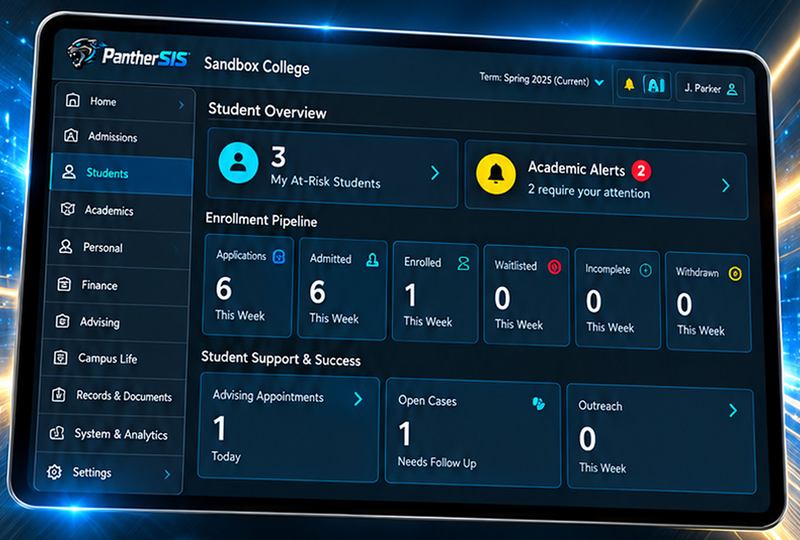
What changes for your team?
Pick your role and see what pantherSIS takes off your desk. Then see it live, with your own questions.
One system instead of a stack of them.
Separate SIS, donor CRM, bookstore register, library system and HR tools all drift apart. pantherSIS puts them on one record.
- Every office, one student record: Admissions through graduation, Finance, Aid, HR, Library, Bookstore and Development.
- Federal reporting built in: IPEDS, National Student Clearinghouse, ABHE and Gainful Employment (FVT/GE) dashboards.
- AI with guardrails: every change is confirmed by a person and written to an audit log.
- No forced cutover: pantherSIS runs alongside oasisSIS v5 on your timeline.
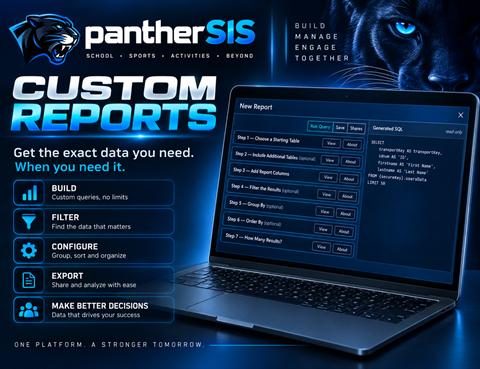
Registration day without the chaos.
Course approvals, degree audits, transcripts and federal files, all in the same place as the student record.
- Register a Student with Faculty and Admin course approvals and live add/drop tracking.
- Degree Audits and transcripts in a Reports Center with nine report categories.
- Two-way LMS sync with Canvas, Moodle, Google Classroom and Buzz, including Pull Grades.
- 8-step import wizard with a report on every row, so go-live is predictable.
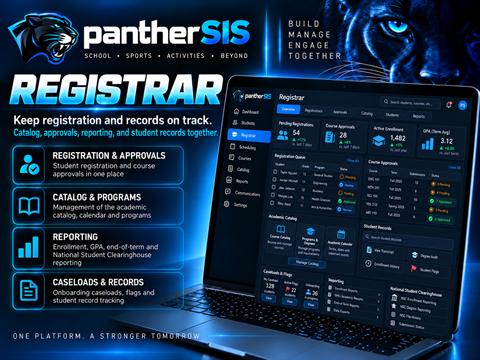
Turn inquiries into enrolled students.
One pipeline from first inquiry to enrollment, with applications, reviews and follow-up in one place.
- Six-stage funnel where every tile opens a list you can act on.
- Application Review queue: star ratings, notes and tags, then Accept, Decline or Defer.
- Form Builder applications with QR codes, signatures, uploads and payment buttons.
- Email and SMS campaigns with ready-made inquiry follow-up automations.
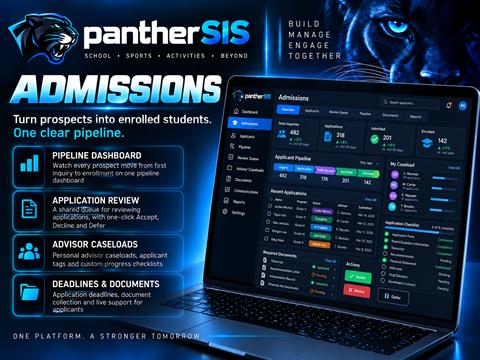
Title IV packaging with the checks built in.
Packages, verification and disbursements guarded by rules, so bad disbursements are stopped before they happen.
- Student packages with Cost of Attendance, SAI, a live Pell estimate and remaining loan eligibility.
- Verification checklist that blocks funding until it's complete.
- Disbursement guards: held until the census date has passed and the student is still enrolled.
- Scholarships run Approve, Fund, Post as one transaction, with R2T4 and SAP worklists alongside.
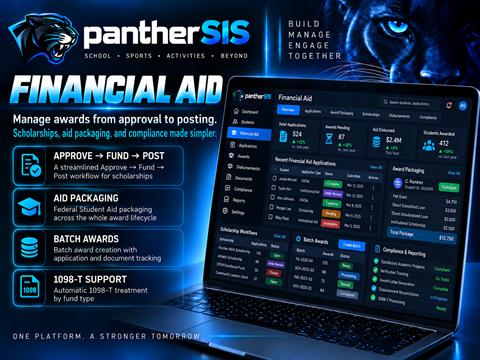
A real General Ledger, not a spreadsheet.
Student charges and payments flow into a true double-entry ledger that always balances.
- Post to GL batches turn activity into balanced journal entries. Corrections reverse, never rewrite history.
- 30 financial reports across Invoice, Payment, Ledger, Aging and Point-in-Time.
- Payment plans and tax forms: 1098-T, T2202A and PR 480.7G.
- Exports to QuickBooks, Great Plains and Fast Fund. Card numbers are never stored.
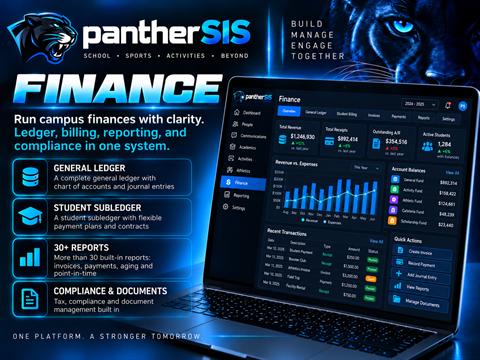
Teach, grade and report from one workspace.
Course building, the gradebook and attendance, connected straight to the official record.
- Course Builder with modules, lessons, quizzes and discussion boards, or upload a SCORM package.
- AI-assisted grading that screens discussion posts and accepts short answers that mean the same thing.
- LMS gradebook for Canvas, Moodle and Google Classroom courses, with Pull Grades.
- Roster, attendance and Conduct & Care shared with the offices that need them.
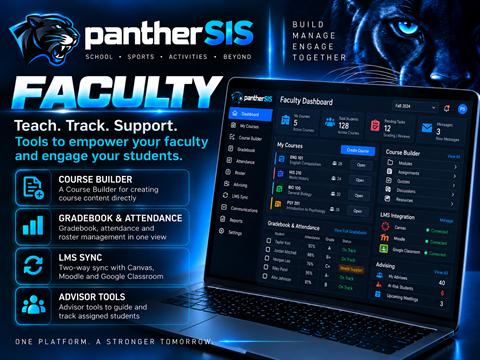
Secure by default, open where it counts.
Access is denied unless it's granted, and it's checked again on the server for every action.
- Single sign-on with Google, Microsoft, LinkedIn, Meta and X, plus an emailed second-factor code.
- FERPA-aware AI: it can only reach the module the user is working in.
- API Keys console with connection tests and setup guides for every service.
- Your own server: an option for a college to host its own database.
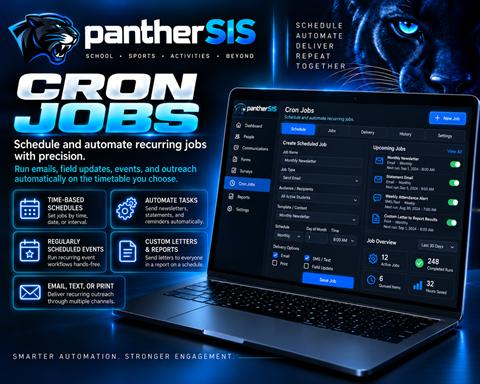
Talk to your data. Stay in control.
Ask AI runs on Anthropic Claude and works with your live records: balances, GPA lists, GL reports, aid worklists and more. It answers how-to questions from the product's own help, drafts letters and emails, and prepares changes for you to approve.
- It only sees what you can seePermissions are checked again on every request.
- FERPA-aware by designHolding Registrar access isn't enough. The AI only uses Registrar tools while you're working in Registrar.
- Nothing saves without your clickEvery change shows a before-and-after preview first, and every confirmed change goes to an audit log.
- Off until you switch it onAI changes stay disabled until your college turns them on. Until then it's read-only.
Every office. One student record.
Tap any module to see it up close. The builder apps (Report, Letter, Form, Survey, Event, Cron and Marketing) are shared across every office's sidebar.
Also included: Student Life & Conduct, Career Services with USDE compliance dashboards, Facilities & Fleet, Scholarships, My Scheduler, Task Manager, Live Support and the Faculty Assistant roster. See them in a live demo →
Live fast. Learn in the real screens.
Switching systems is the scary part. pantherSIS is built to make it predictable.
- Your school goes live in one stepYour own database and admin account, plus a welcome email with a "first 15 minutes" plan and a named onboarding contact.
- Import with confidenceAn 8-step wizard with a report on every row. Re-uploading is safe, and accounts stay locked until you choose to Go Live.
- The pantherSIS Tutor teaches beside the appLessons, a workspace and Ask AI open in a window next to the real screens, starting with a First Time tour.
- Help is always one click awayMore than 550 help topics behind the ? button, and Ask AI answers with the exact button and field names.
Built from a blank page, not bolted together.
| What you need | Typical legacy SIS | pantherSIS |
|---|---|---|
| AI assistant | A bolted-on chatbot, or none | Ask AI in every module, 169 capabilities, confirm-before-change and an audit log |
| Staff training | Manuals and recorded webinars | The pantherSIS Tutor in the real screens, plus 550+ help topics |
| General Ledger | Spreadsheet exports to a separate system | Real double-entry GL with 30 reports and QuickBooks/Great Plains exports |
| Online learning | A separate LMS contract | Built-in Course Builder, SCORM hosting and two-way Canvas, Moodle, Google Classroom and Buzz sync |
| Federal reporting | Manual spreadsheets | IPEDS, Clearinghouse, ABHE and FVT/GE dashboards from live data |
| Donors, bookstore, library, HR | Four more vendors to integrate | All on the same student record |
| New features | Multi-year roadmaps | 300+ updates shipped since June 2026 |
30 minutes. Your questions. The live system.
- 01 Pick a time that suits you, in your own time zone.
- 02 Tell us your role and what you want to see.
- 03 We walk through pantherSIS live, built around your offices.
- 04 You leave with a clear picture of your move, and no obligation.

“pantherSIS is a complete, ground-up rewrite of oasisSIS: engineered by AI, built by AI. Not old software with new features bolted on, but a total reimagining. And there's no pressure to change: oasisSIS v5 and pantherSIS are designed to run side by side.”Lucian, Founder, OASIS Technologies
Straight answers.
Do we have to leave oasisSIS v5?
No. pantherSIS and oasisSIS v5 are designed to run side by side, so you can move office by office on your own timeline.
How do we move our data?
The import wizard walks through eight steps: people, custom fields, courses, academic records, terms, programs, program enrollment and the academic calendar. You can use our templates or match your own columns. Every row gets a result, re-uploading is safe, and imported accounts stay locked until you choose to Go Live. You can even bulk-import student photos matched by ID.
Is the AI safe to use with student records?
Ask AI only sees what the signed-in user can see, and only inside the module they're working in. Any change is shown as a before-and-after preview and saved only when a person clicks Confirm. Every confirmed change is logged. AI changes stay off until your college switches them on.
Does it work with our LMS?
pantherSIS has its own Course Builder and hosts SCORM packages. It also syncs rosters, enrollments and grades with Canvas, Moodle, Google Classroom and Buzz, and can browse rosters in TalentLMS, Absorb and Edvance360.
How will our staff learn it?
The pantherSIS Tutor sits in every module's sidebar and teaches in a window beside the real screens. Every page has a ? button into more than 550 help topics, and your school can book live training sessions during onboarding.
Which payment processors and integrations are supported?
Staff card payments work with Stripe, Forte, CardConnect and Authorize.Net, and card numbers are never stored. Email goes through Amazon SES, SendGrid or Mailgun; texts through Twilio or ClickSend. Sign-in supports Google, Microsoft, LinkedIn, Meta and X.
Can we host our own database?
Yes. Colleges can choose to run their pantherSIS database on their own server.
What does it cost?
Pricing depends on the modules you use and the size of your institution. We'll cover it in your demo, with no obligation.
See what an AI-native SIS actually looks like.
A live, one-on-one walkthrough built around your offices. 30 minutes, online, no obligation.